LEARN YOUR WAY: IN-CLASS┃HYBRID┃ONLINE
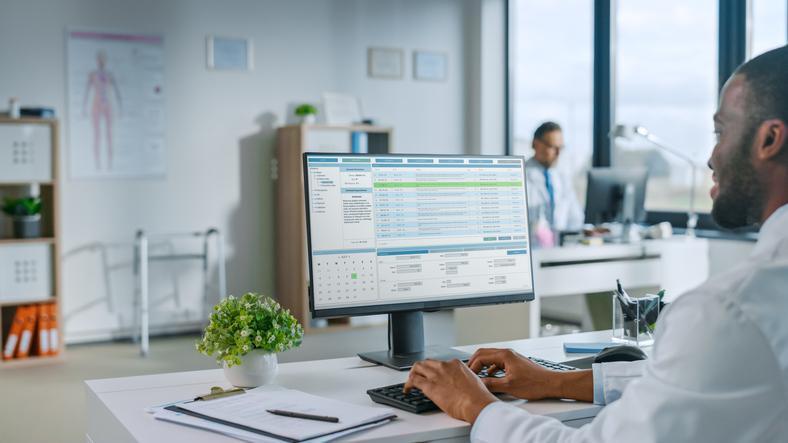
Medical office assistant software is the backbone of modern clinics. MOAs rely on scheduling tools, billing systems, and electronic medical records to keep patient care organized, accurate, and efficient. Understanding these systems, and learning them in training, helps graduates feel confident on day one.
Medical offices don’t run on paperwork anymore. Today, the heart of most clinics is digital. Appointments, billing, lab results, referrals, and patient histories all flow through the same systems. That’s why understanding medical office assistant software is no longer a “nice-to-have” skill. It’s one of the most practical ways MOAs support smooth, safe patient care.
If you’re considering a career in healthcare administration, it helps to know what’s happening behind the front desk screen.
This article breaks down the core software tools MOAs use daily, what they’re responsible for inside those systems, and how training prepares students to work confidently in modern clinics.
What software do medical office assistants typically use?
Most MOAs work with a combination of scheduling systems, billing tools, and electronic record platforms. In many clinics, these functions are integrated into a single system, while other workplaces use separate tools that communicate with each other.
Common categories of software include:
- Medical office scheduling software (appointment booking, reminders, clinic calendars)
- Electronic medical records (EMR) systems (patient charts, visit notes, forms, results)
- Billing and claims systems (invoicing, insurance submissions, OHIP-related processes)
- Communication tools (secure messaging, fax integrations, referral tracking)
Even though the system names vary between clinics, the workflow is surprisingly consistent.
Once you understand how scheduling, billing, and records connect, learning new platforms becomes much easier.
How does medical office scheduling software keep clinics running smoothly?
In a busy practice, scheduling is about far more than booking the next available time slot.
Medical office scheduling software helps clinics manage:
- Appointment types and time lengths
- Provider availability and room usage
- Double bookings and urgent add-ons
- Automated reminders to reduce no-shows
- Waitlists and rescheduling workflows
This is one of the reasons MOAs are so essential. A schedule that looks “fine” on the surface can quickly turn chaotic if it doesn’t account for real-world clinic flow.
From what we’ve seen in real clinics, a strong MOA doesn’t just fill the calendar; it protects it.
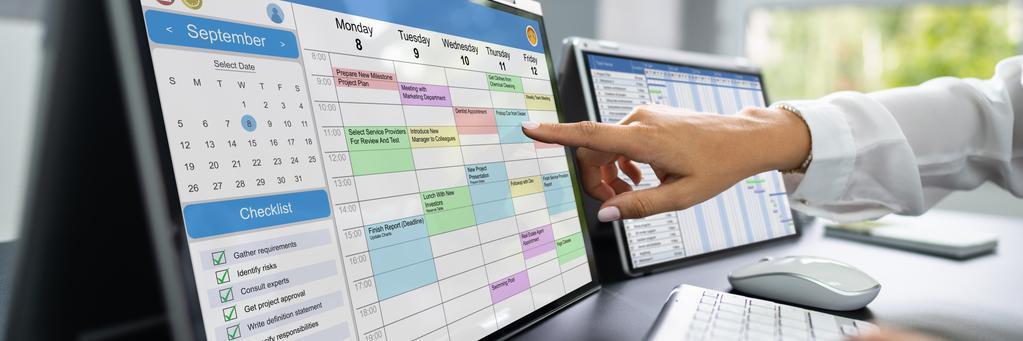 Medical office scheduling software helps clinics reduce errors and improve patient flow.
Do medical office assistants handle billing and insurance submissions?
Yes, in many settings they do. Billing responsibilities vary depending on the clinic, but MOAs often support billing by entering services, confirming patient information, and preparing claims or invoices.
Depending on the workplace, tasks may include:
- Collecting and confirming insurance details
- Submitting claims or assisting with OHIP-related processes
- Processing payments and issuing receipts
- Flagging missing information before submission
- Following up on rejected or delayed claims
The key detail is accuracy. Small errors in billing data can cause delays, confusion, and unnecessary back-and-forth—especially in high-volume practices.
What is the difference between electronic medical records and electronic health records?
This is one of the most important concepts for anyone entering the field.
What is the difference between electronic medical records and electronic health records?
An EMR is typically the digital chart used within one clinic or practice. It includes visit notes, prescriptions, referrals, forms, and test results stored within that organization.
An EHR, on the other hand, is designed to share information across multiple healthcare settings, such as hospitals, pharmacies, specialists, and public health systems.
In everyday MOA work, you’re most often working directly inside an EMR.
Is technology training included in a medical office assistant program?
Yes. A modern Medical Office Assistant program should include both administrative skills and technology familiarity, because clinics expect new hires to be comfortable working in digital systems.
In the Medical Office Assistant program at Algonquin Careers Academy, students build skills that reflect real clinic workflows, including scheduling, records, billing processes, and communication standards.
This kind of training matters because it reduces the “first week shock” many new graduates experience when they enter a fast-paced clinic.
Electronic medical records training prepares students for modern patient documentation systems.
How can students practice using clinic-style scheduling systems while in school?
The most effective programs teach scheduling as a workflow, not just a button-clicking exercise.
Students can practice by learning how to:
- Manage appointment types and time blocks
- Confirm patient details accurately
- Use scripts for reminders and cancellations
- Handle rescheduling and missed appointments professionally
- Coordinate scheduling with documentation and billing tasks
This is where learning format matters too. Some students prefer classroom learning, while others benefit from flexibility. If you’re balancing work or family responsibilities, exploring the benefits of online career education can help you choose the right path.
Why electronic medical records training matters for patient care
Electronic medical records training isn’t just about efficiency; it’s about patient safety.
When software is used properly, it helps ensure:
- Correct patient identification
- Accurate documentation and charting
- Clear communication between staff
- Reduced errors in prescriptions and referrals
- Better continuity of care
For MOAs, being confident in these systems means being a stronger part of the healthcare team from day one.
Are you looking for comprehensive healthcare training programs?
Contact Algonquin Careers Academy for more information.
Key Takeaways
- Medical office assistant software supports scheduling, billing, and patient records in modern clinics.
- MOAs often work with medical office scheduling software, EMRs, and billing tools daily.
- EMRs are typically used within one clinic, while EHRs support broader system-wide information sharing.
- Many MOAs support billing and insurance processes, where accuracy matters.
- Electronic medical records training is essential for efficiency, professionalism, and patient safety.
FAQ: Medical Office Assistant Software
Q: What software do medical office assistants typically use?
A: MOAs typically use scheduling systems, billing tools, and electronic medical record (EMR) software to manage appointments and patient information.
Q: What is the difference between electronic medical records and electronic health records?
A: EMRs are clinic-based digital charts, while EHRs are designed for broader information sharing across healthcare settings.
Q: Do medical office assistants handle billing and insurance submissions?
A: Yes. Many MOAs assist with billing, insurance information, invoicing, and claims preparation, depending on the clinic.
Q: Is technology training included in a medical office assistant program?
A: Yes. Most MOA programs include training in scheduling workflows, documentation, and software-based clinic tasks.
Q: How can students practice using clinic-style scheduling systems while in school?
A: Students practice by learning real scheduling workflows, including appointment types, rescheduling, reminders, and documentation coordination.